Email Basics: Send, Organize, and Avoid Common Mistakes
Learn email fundamentals, from composing and organizing messages to recognizing suspicious attachments.
Learn email fundamentals, from composing and organizing messages to recognizing suspicious attachments.
Review useful smartphone settings for security, privacy, storage, accessibility and everyday comfort.
Explore operating systems, what they do and how Windows, macOS, Linux and mobile systems differ.
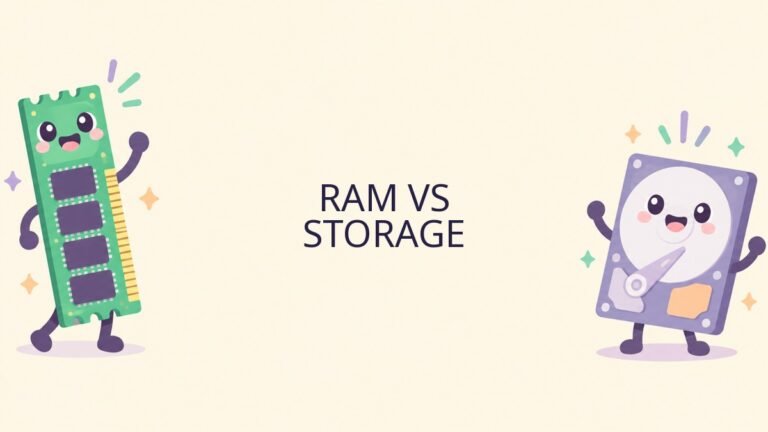
Learn the difference between RAM and storage and how each affects your computer.

Understand SSDs, hard drives, capacity and practical ways to manage your computer storage.

Create a simple backup plan, choose storage and test that your important files can be restored.

Understand software updates, security patches and practical ways to keep devices current.

Recognize phishing messages, verify suspicious requests and learn how to report a scam safely.

Understand two-factor authentication, choose a method and prepare recovery options for your accounts.
Learn how password managers work and set up a vault for stronger, unique logins.